
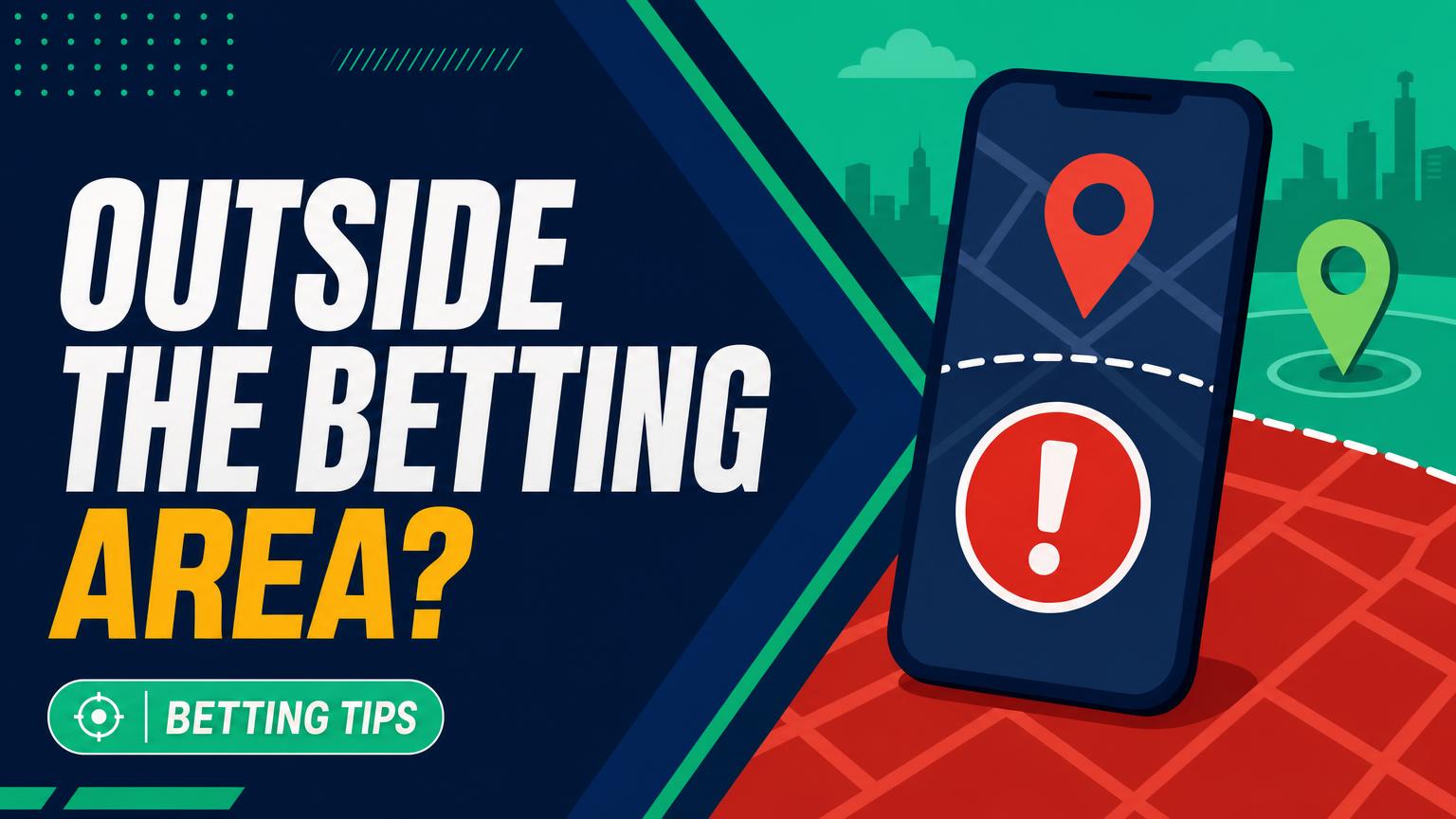
A legal address and a legal wager are not always the same thing.
A bettor can be standing inside an approved state, tap the app, and still see “outside the betting area.” Reopening the app repeatedly rarely helps when the underlying location check has failed.
Top NFL Offshore Sportsbooks for October 2026

BetUS

BetNow

MyBookie

Bet105

BUSR Sports

Everygame Sports

BetOnline

BetWhale

BetAnything

Xbet

Bovada

Bookmaker
The cause may be account eligibility, disabled location permissions, a VPN or proxy, weak GPS or Wi-Fi signals, or proximity to a state or tribal boundary. Regulatory rules can also create genuine exclusion zones within an otherwise legal jurisdiction. Even an offer such as get up to $3,000 Welcome Bonus at BetUS sportsbook does not override local laws, operator eligibility rules, or geolocation controls.
Is It an Eligibility Problem or a Location Glitch?
Does account access mean betting is allowed?
No. A sportsbook may allow browsing, registration, or account management even where real-money wagers are prohibited.
What should be checked before device settings?
Confirm that online sports betting is legal at the current physical location and that the account meets age, identity, and residency rules. Also check for self-exclusion or account restrictions.
Does a successful deposit prove eligibility?
No. Deposits may remain available when wagering is blocked, and funding methods such as PayPal cannot bypass location checks.
When is technical troubleshooting appropriate?
Troubleshooting makes sense after legal and account eligibility are confirmed. A failure at that point may involve permissions, network routing, weak signals, or an exclusion-zone boundary.
The chance to get up to $3,000 Welcome Bonus at BetUS sportsbook does not override local law or account restrictions. Bonus availability, registration, deposits, and wagering eligibility may follow different rules.
Reset location access from the system level
-
Turn on system location services
Open the device’s privacy or location settings and confirm that location services are enabled globally.
-
Remove the existing permission
Find the sportsbook app or browser in system settings, deny its location access, then close it completely. This clears a permission choice that may have become stuck.
-
Grant access while in use
Reopen the app and approve location access when prompted. “While using the app” is usually sufficient; permanent background access generally is not required.
-
Enable precise positioning
Switch on Precise Location, High Accuracy, or the closest equivalent. Wi-Fi scanning may improve the result even when the device uses mobile data.
-
Check desktop requirements
Allow location access for the sportsbook site in the browser’s address-bar settings. If the operator requires an approved geolocation component, install or update it from the sportsbook’s official prompt, then restart the browser.
Menu names vary across Android, iOS, Windows, macOS, and browsers.
An offer such as get up to $3,000 Welcome Bonus at BetUS sportsbook does not bypass local eligibility or geolocation rules. Avoid third-party “location fixer” downloads; use only the device settings, official app store, or operator-provided component.
Turn off tools that hide the connection
VPNs and proxies can make traffic appear to originate from another state or country. Even when used for privacy rather than betting access, they often trigger sportsbook compliance systems because the connection no longer matches the device’s GPS, Wi-Fi, or IP location.
Before reopening the sportsbook, disable or disconnect:
- VPN and proxy services, including browser extensions
- iCloud Private Relay and similar privacy-routing features
- Corporate, school, or managed-device networks that route traffic elsewhere
- Remote-desktop or screen-control software
- GPS spoofing, location simulators, and developer mock-location settings
Afterward, switch to a normal home Wi-Fi or cellular connection, close the betting app completely, and relaunch it. Restarting the device may clear a routing service that remains active in the background.
Offers such as get up to $3,000 Welcome Bonus at BetUS sportsbook do not change location or eligibility requirements; the operator still decides whether wagering is permitted.
Trying another spoofing or relaying tool can prolong the error and may lead to account review. If ordinary routing still fails, contact sportsbook support instead.
Stabilize an intermittent location check
-
Move near a window or outdoors
Indoor walls can weaken satellite signals. Remaining still in an open area for a minute may help the phone establish a steadier position.
-
Keep Wi-Fi enabled
Wi-Fi can help estimate location from nearby networks even when cellular data provides the internet connection. Joining a network is not always necessary.
-
Turn on Bluetooth
Some geolocation systems use nearby Bluetooth signals to improve accuracy. Bluetooth should remain enabled during verification.
-
Leave public networks
Hotel, airport, and café Wi-Fi may use distant routing or captive portals. Switching to cellular data or a trusted private network can remove that mismatch.
-
Refresh the phone’s radios
Enable airplane mode briefly, disable it, then reopen the sportsbook app. If checks still alternate between passing and failing, restart the phone.
An offer to get up to $3,000 Welcome Bonus at BetUS sportsbook does not change location rules; wagering still requires a successful check.
Rule out an app or device fault
-
Update the betting app and operating system
Install pending updates from official stores. An outdated app or OS may no longer work correctly with current location services.
-
Set date and time automatically
Enable automatic date, time, and time zone. Incorrect clock data can make an otherwise valid location check appear inconsistent.
-
Remove battery restrictions
Allow normal background activity and disable battery saver temporarily. Aggressive power management may interrupt GPS or Wi-Fi scanning.
-
Restart before reinstalling
Restart the device, then test again. Reinstall only if the failure remains, since it may remove saved settings and require fresh permission approval.
-
Compare another app or supported device
If other sportsbook apps with dependable geolocation work, the operator may be the weak point. If every app fails on one older device, unsupported hardware or outdated location components are more likely.
Record the device model, OS version, app version, and exact error before contacting support.
An offer to get up to $3,000 Welcome Bonus at BetUS sportsbook does not show that wagering is permitted or that geolocation will succeed. Promotion terms, regional rules, and technical verification remain separate checks.
When the boundary is real
Sportsbook boundaries are not always as simple as state outlines. A device near a state line may report coordinates across the border or with an uncertainty radius too wide to approve a wager. Moving farther inside the permitted area and retrying outdoors can confirm whether the rejection is legitimate.
Separate rules may apply on tribal lands, stadium grounds, casinos, military installations, college campuses, or other restricted properties. Availability can change within a short walk because the operator’s approved map may contain small exclusion zones.
A boundary issue usually appears only when placing a bet. Repeated requests for identification, proof of residence, or personal details instead point toward ID verification rather than geolocation. A stable device well inside the authorized area makes an account review more likely.
Promotional wording—such as “get up to $3,000 Welcome Bonus at BetUS sportsbook”—does not prove that wagering is permitted at the device’s location. Local eligibility and each operator’s terms still control.
Entering a false address, altering identity information, or spoofing location can violate sportsbook terms and trigger account restrictions. Accurate details and support review are the legitimate routes.
Prepare a clear report for support
-
Copy the exact error message
Record the wording, error code, sportsbook, and whether the failure appeared at login or when placing a wager.
-
Note the time and location
Include the date, local time, city, state, and whether the device was near a jurisdictional border or restricted property. A street address is rarely necessary.
-
Identify the device and software
List the phone or computer model, operating-system version, app or browser version, and any required geolocation plug-in version.
-
Describe the connection and prior fixes
State whether Wi-Fi or cellular data was used and name the carrier or internet provider. Summarize completed fixes, including permission resets, disabled VPNs, restarts, updates, and cross-device tests.
-
Attach a privacy-safe screenshot
Capture the full error and visible timestamp, but crop or cover balances, account numbers, addresses, notification previews, and unrelated browser tabs.
Keep the report factual; support can request extra diagnostic details if needed.
Use the operator’s official support channel for geolocation failures rather than repeatedly logging in, reinstalling components, or changing unrelated security settings. Repeated attempts can complicate the timeline without fixing the location check.
Promotional wording such as get up to $3,000 Welcome Bonus at BetUS sportsbook does not override location rules. Confirm offer eligibility and access requirements directly with the sportsbook.
- Confirm availability First verify that the operator legally accepts wagers at the physical location and that the account is eligible. If either test fails, stop.
- Restore location access Grant system location access, while-in-use permission, and precise positioning; then use a stable, ordinary connection.
- Remove privacy conflicts Disable VPNs, proxies, private relays, remote-access tools, and mock-location apps. Never spoof the location.
- Update and escalate Update the app and operating system, restart the device, and retry. If verification still fails, send support the prepared report or choose another lawful operator.
A failed geolocation check is a compliance stop, not an obstacle to bypass. When comparing the best sportsbook for Super Bowl bets, check licensing and location coverage before bonuses.
The claim “get up to $3,000 Welcome Bonus at BetUS sportsbook” is promotional, not a geolocation workaround; eligibility, terms, and jurisdiction restrictions apply.
Top NFL Offshore Sportsbooks for October 2026
BetUS
BetNow
MyBookie
Bet105
BUSR Sports
Everygame Sports
BetOnline
BetWhale
BetAnything
Xbet
Bovada

4 comments on “What to Do When a Sportsbook App Says the Location Is Outside the Betting Area”
I can log in, deposit, and see the promos, but the second I try to place a bet it says my location is restricted. Precise location is enabled and I’m well inside the state, so the fact that the rest of the app works is pretty misleading.
I also removed my work VPN and restarted the phone with no change. Could this be an account restriction rather than GPS?
Yes, it could be. Login, deposits, and promotional access do not necessarily confirm wagering eligibility. Since you have already disabled the VPN and checked precise location, try another supported device and network; if the same wagering-only restriction appears, contact the sportsbook and ask them to review both your account eligibility and the mapped location result. Include the exact error, timestamp, approximate location, device/OS version, and the steps you already tried.
The Wi-Fi/Bluetooth tip actually fixed it for me. I was standing near the state line with a weak cell signal, and the app kept putting me outside the betting area. Turned Wi-Fi back on, toggled airplane mode for about 20 seconds, and it verified right away 👍
Cross-device testing saved me from wasting another hour reinstalling everything. My older tablet failed every check, while the same account worked immediately on my phone using the same home network.
Support eventually confirmed the tablet’s OS was no longer supported. Would be nice if the app just said that instead of pretending I’d somehow teleported across state lines 🙃